Finding items
Paste a marketplace link, pick your options, and add it to your cart.
You can buy almost anything listed on Taobao, Tmall, 1688 or Weidian. The quickest way is to paste the listing's link.
Paste a link
Copy the product link from the marketplace app or website and paste it into the search bar at the top of any NinjaBuy page. We open the same listing as a NinjaBuy product page, with prices in your currency and the options translated.
Links copied from other shopping agents' sites work too. We find the marketplace listing inside the link and tell you so:
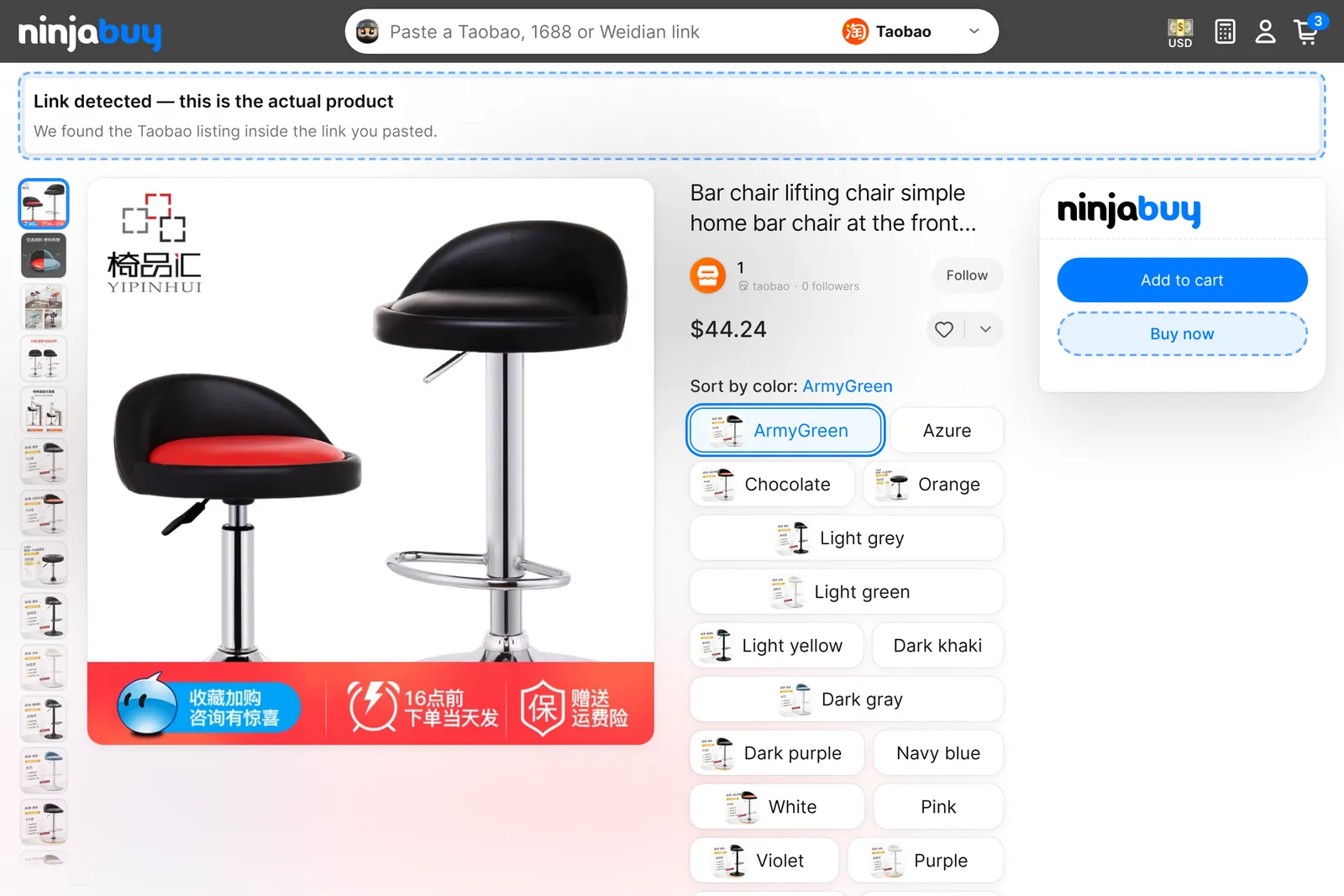
If a link is from a marketplace we can't open yet, we say so on the page. You can still ask us to buy it as a custom item.
Choose your options
Pick a size, color or other option on the product page. Until you do, the price reads From, because options often cost different amounts. When a variant is sold out at the seller, the button says Out of stock at the seller.
Then choose one of these:
- Add to cart keeps shopping. Change the quantity or add a note in your cart.
- Buy now goes straight to checkout with just this item.
You sign in with your phone number and a one-time code. There is no password.
Save and follow
- The heart adds an item to your Wishlist. The arrow next to it saves it to another list, or a new one. Find them all under Lists in your account.
- Follow on the seller's name adds the store to your Following tab.
- Share copies a link to the item that you can send to a friend.
Custom items
Want something that isn't listed, or a link we can't open? Choose Describe an item in the site footer or from your cart.
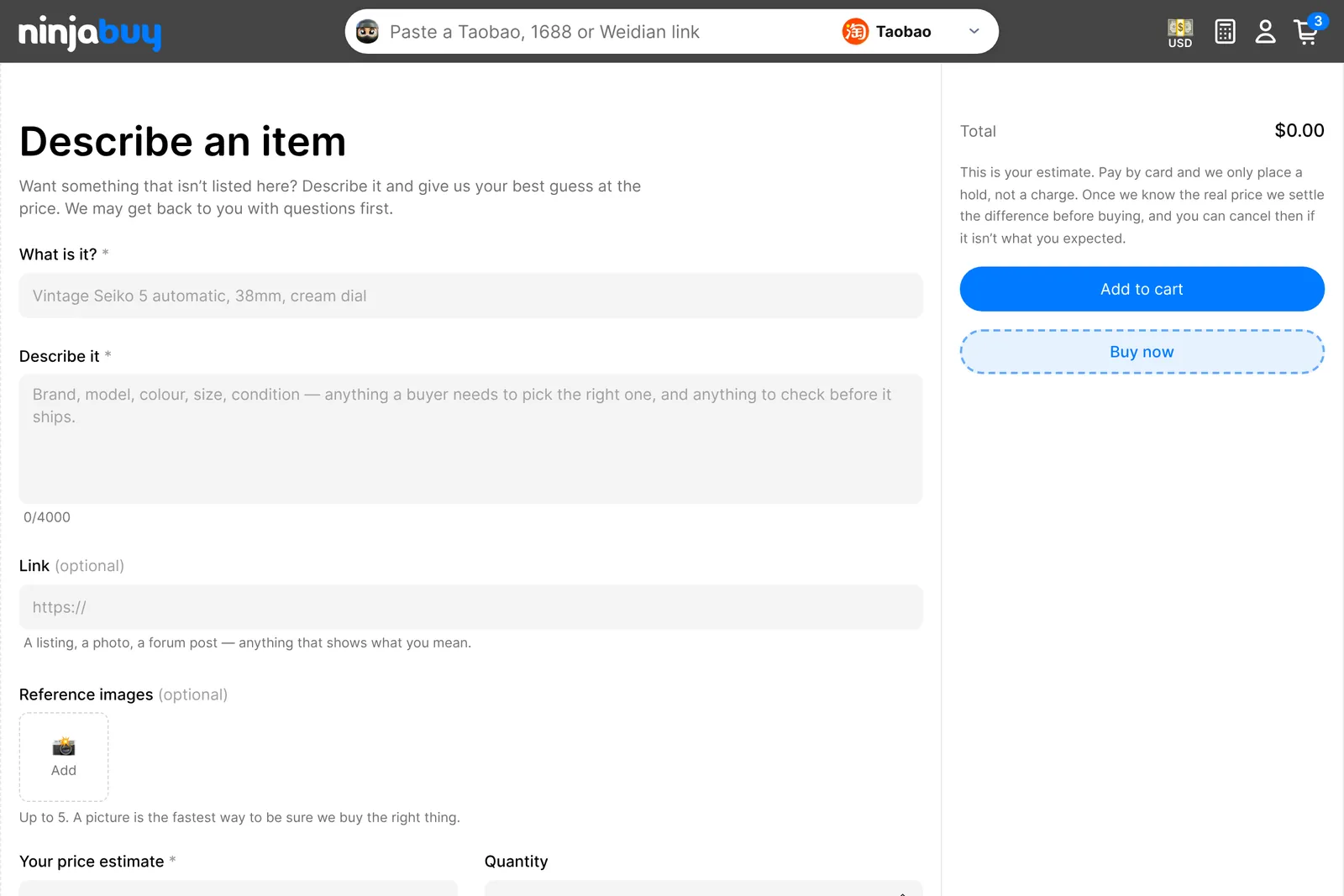
Tell us what it is, describe it, and add a link and up to five photos if you have them. Give your best price estimate per item; a guess is fine. Card payments for a custom item are only a hold until we know the real price. After that, we settle the difference the same way as any other price change. If we can't find the item, we cancel it and refund you in full.
Estimate shipping first
Not sure what shipping will cost? The shipping calculator shows current rates by country and parcel weight. They are estimates: you pay the rate that is live when you create your shipment.