Orders and money
Orders
On this page
From your store to your customer
Every order for a product you mapped to NinjaBuy goes through the same six steps. You don't press anything: each step starts when the one before it ends, and you can follow all of them from your NinjaBuy account.
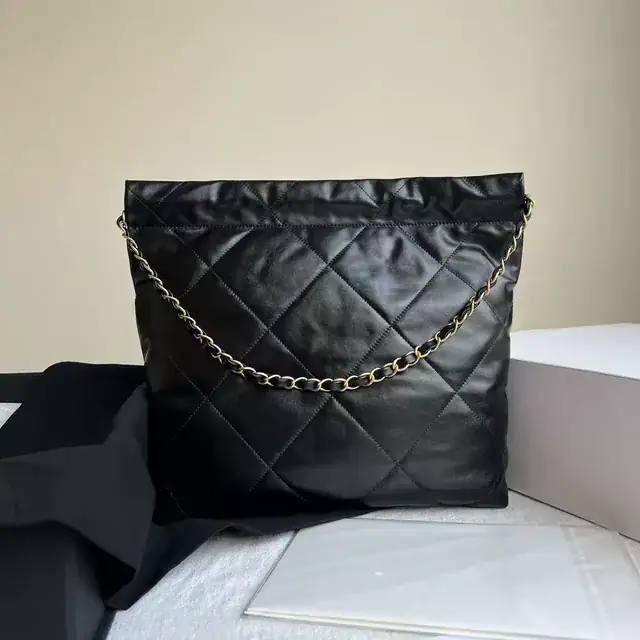
- Received from your storeShopify sent the order for a mapped product
- Paid from your balanceGoods, intake fee and tax
- Bought from the sellerOn its way to our warehouse
- Checked with QC photosWeighed, compared with the order, photographed
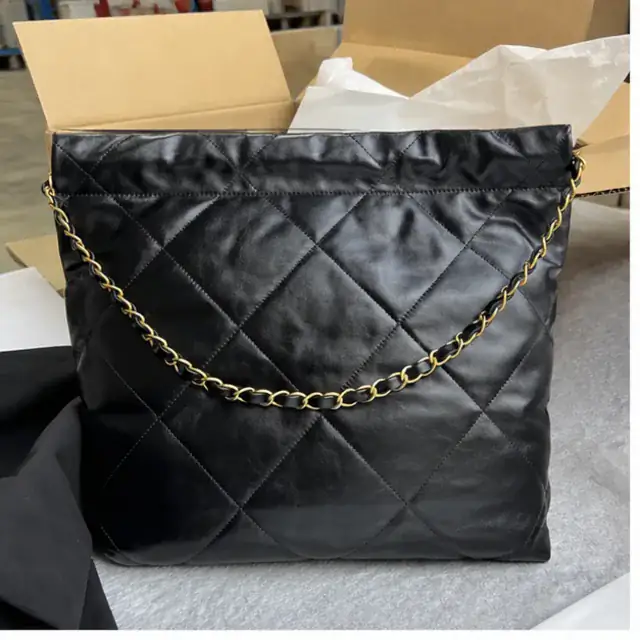
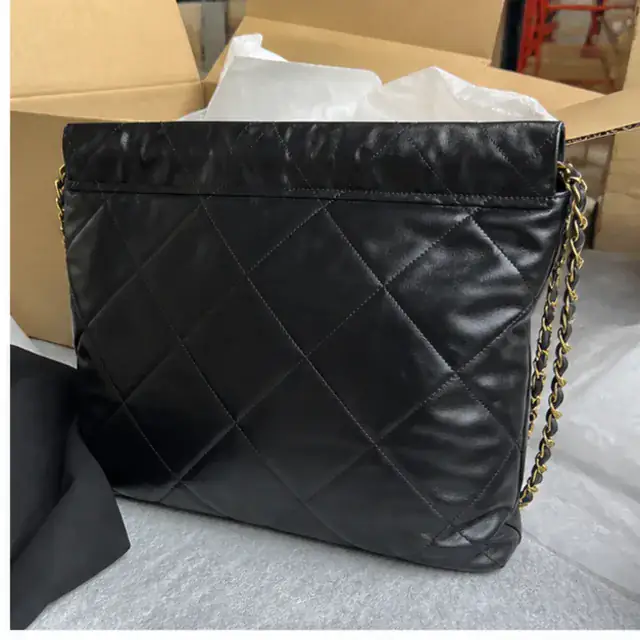
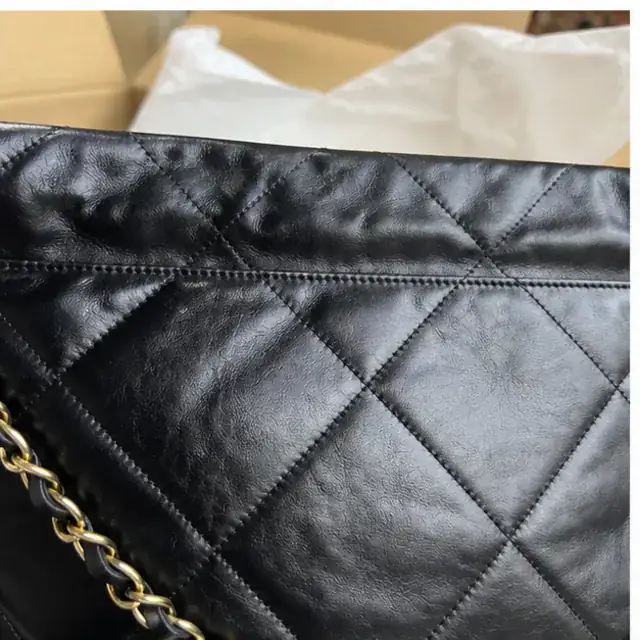
- Shipped in your boxShipping and handling paid from your balance
- Tracking back on your storeYour store emails your customer
- Received from your store
Your store sends the order the moment it is paid. From Shopify, that is a fulfillment request for the items assigned to the NinjaBuy location; the rest of the order stays with you.
- Paid from your balance
We check the source's price and stock, then take the goods at the seller's price, the CN¥12.00 intake fee for each item group and the flat tax from your balance. If the balance can't cover it, the order is held.
- Bought from the seller
Our buyers place the order on Taobao, Weidian or 1688 and follow it until the seller ships it to our warehouse in China. Two different products are two purchases, each followed on its own.
- Checked with QC photos
We weigh the item, check it against the order and photograph it. The photos usually appear within one to two business days of arrival. What we check: QC.
- Shipped in your box
We pack it in your packaging and ship it to your customer's address on the line you chose. Shipping, the handling fee and the flat tax on them are paid from your balance. See Fees.
- Tracking back on your store
When the parcel leaves our warehouse, its tracking number goes back to the order on your store. On Shopify we create the fulfillment with the number and its link, and Shopify sends your customer its usual shipping email.
Order statuses
Each order in your NinjaBuy account shows one of these. An order with several items can show a different step per item.
| Status | What it means | What you do |
|---|---|---|
| Received | Your store sent it; we are checking the source and paying | Nothing |
| Held | It can't go ahead yet: the balance is short, or a source changed | Read the reason on the order; usually a top-up |
| Ordered from the seller | Paid and bought; the seller is shipping it to our warehouse | Nothing |
| At the warehouse | It arrived and is being weighed and photographed | Nothing |
| Photos ready | QC is done; the photos are on the order | Look at them. Request a return if something is wrong |
| Preparing the parcel | We are packing it in your box | Nothing |
| Shipped | On its way; tracking is on your store's order | Nothing |
| An item is unavailable | The seller couldn't supply it; it was cancelled and refunded to your balance | Tell your customer, or pick another source |
| Cancelled | Nothing on the order will be bought or shipped | Nothing |
Held orders
A held order is one we have not bought, so nothing has been spent on it. We email you with the reason, and the order page says what would let it go ahead.
- Received from your storeShopify sent the order for a mapped product
- Paid from your balanceGoods, intake fee and tax
- Bought from the sellerOn its way to our warehouse
- Checked with QC photosWeighed, compared with the order, photographed
- Shipped in your boxShipping and handling paid from your balance
- Tracking back on your storeYour store emails your customer
| Why it is held | What to do |
|---|---|
| Your balance can't cover it | Top up. The order goes ahead on its own once the balance covers it. We never buy on credit. |
| The source sold out | The on-order check found no stock at the seller. Map the variant to another listing, or cancel the order on your store and tell your customer. |
| The source costs more than when you listed it | Your sync rules decide whether it is bought at the new cost or waits for you to accept it or cancel. |
| A variant was removed by the seller | Map the variant to another listing, or cancel the order on your store. |
When the photos show a problem
The QC photos are the last look before the item leaves China, and the only point where sending it back to the seller is practical. Wrong colour, wrong size, a missing part or visible damage: act before the parcel ships.
- Open the item and choose Request return
Pick the quantity and a reason, and add a note for our team.
- The units come off the shelf you can ship from
While the request is open those units can't go into a parcel. You can withdraw it until our team starts on it.
- We ask the seller
If a return costs something, such as shipping back to the seller inside China, you see the amount and confirm or cancel before we go ahead.
- The refund goes to your balance
Once the seller confirms the return and refunds the item.
Cancellations
How far an order has gone decides what a cancellation can do. The earlier, the more of the money comes back.
| Where the order is | What a cancellation does |
|---|---|
| Held, or not bought yet | Nothing was spent, or the full amount goes back to your balance. |
| Bought, the seller hasn't shipped | We ask the seller to cancel. If they accept, the item and its share of the fees go back to your balance. If they have already shipped, it becomes a return once it reaches us. |
| At our warehouse | It is a return to the seller: their approval decides, and the return window and costs below apply. |
| In a parcel we are preparing | Message us from the shipment before packing starts. A cancelled parcel's payment goes back to your balance and its items return to your shelf. |
| Shipped | It can't be cancelled or sent back to the seller. |
Cancelling on your store
When you cancel a Shopify order, Shopify asks us to cancel its fulfillment. We accept while no parcel has been linked to it and refuse once one has, because by then the goods are packed for your customer. Accepting the request stops the shipping; what happens to goods already bought follows the table above.
Refunds and price changes
Every refund lands in your NinjaBuy balance first, where the next order can use it straight away. Each one shows in your balance history with its order.
- An item is unavailable: the seller couldn't supply it. The item, its intake fee if the whole group goes, and the tax on them come back.
- The price went down when we bought it: the difference comes back.
- The price went up, or a packed parcel weighs more than its estimate: the order shows the new amount and our reason. Pay the difference from your balance, or cancel that item.
- A parcel weighs less than its estimate once packed: the difference comes back.
- A completed return or a cancelled parcel: the amount comes back.
Your customer's refund is yours to make, on your store. A refund to your balance from us does not refund your customer, and a refund you give your customer does not cancel anything with us.
Returns from your customers
You are the seller, so your store's returns policy is your promise. Write it for goods that come from China, because what we can do depends on where the item is.
| Case | What works |
|---|---|
| Still in our warehouse | A seller return: request it within 7 days of the item's arrival, before it goes into a parcel. The seller has to accept it. |
| Delivered to your customer | No return to the Chinese seller through us, and sending it back to China often costs more than the item. Whether you ask for it back, and to which address, is your policy's call. |
| Lost or damaged on the way | Message us from the shipment with photos of what arrived, and we look at it with you. |
Some items can't go back to a seller at all: final sale, used or altered items, custom work, and items without their tags or packaging. Removing tags as a packing add-on can make an item impossible to return. The full list and the usual timings are in Returns and Refunds.