Start here
Getting started
On this page
How NinjaBuy Business works
You sell. We do everything after the sale. Your store lists products you imported from Taobao, Weidian or 1688. When a customer buys one, your store sends the order to NinjaBuy. We pay the seller in China from your NinjaBuy balance, check the item in our warehouse with photos, pack it in your box and ship it to your customer. The tracking number goes back to your store, and your store emails your customer.
- A customer orders in your storeA product you imported from us
- our Shopify appYour store sends it to NinjaBuyNinjaBuy is a shipping location in Shopify
- Paid from your balance, bought in ChinaWe pay the seller and follow the parcel to our warehouse
- Checked with photosYou see the real item before it leaves
- Shipped in your boxThe tracking number goes back to the order

You never hold stock, and you never pay for anything that has not sold, unless you choose to buy bestsellers ahead and keep them on our shelf.
Open your account
Business accounts are set up with our team, so your packaging and shipping lines are ready before the first order arrives.
- Contact sales with your work email and your store
Pick the platform your store runs on. That tells us which connection to set up.
- Tell us what you sell and where your customers are
We look at your products and their sources, check them against our prohibited items, and suggest shipping lines for your countries.
- Sign in
Once your account is ready, sign in at ninjabuy.com/business/sign-in with the email you gave us.
Add money to your balance
Every order is paid from your NinjaBuy balance, as it arrives, so nothing waits for you to click Pay. The balance is held in Chinese yuan (CN¥), the currency we pay sellers in.
- Order #1012 · bought from the seller−CN¥91.20
- Order #1011 · parcel shipped−CN¥123.12
- Refund · price went down on #1009+CN¥8.50
- Top up+CN¥2,000.00
- Choose Top up and pay by card. The smallest top-up is CN¥67.00.
- Paying in a currency other than CN¥ adds a 2.5% conversion fee to that top-up. The window shows the full card charge before you pay.
- Refunds land in the balance first: an item a seller can't supply, a price that went down, a cancelled parcel.
Connect your store
Shopify is the hub. Our Shopify app makes NinjaBuy a shipping location in your store, so Shopify sends us the orders for the products we ship, and also the orders from the marketplaces you connect to Shopify. WooCommerce and Wix connect to us directly.
| Where you sell | How orders reach us |
|---|---|
| Shopify | Our Shopify app makes NinjaBuy a shipping location |
| eBay | Through Shopify, with Shopify's Marketplace Connect |
| Amazon | Through Shopify, with Shopify's Marketplace Connect |
| TikTok Shop | Through Shopify, with TikTok's Shopify app |
| Etsy | Your own designs and craft supplies only |
| WooCommerce | Our plugin, on the NinjaBuy API |
| Wix | Our Wix app, on the NinjaBuy API |
| Facebook Marketplace | Through eBay's partner listings |
Import your first product
The importer is free, with no product limit. Paste a link and it shows what one sale costs you before you list anything.
- Paste a Taobao, Weidian or 1688 link
A creator's finds sheet works too: Bulk import brings in every product in it.
- Read the analysis
Every variant's cost, our fees, a shipping estimate, the marketplace's fee as your own estimate, a suggested price and what you keep.
- Set your price and choose the variants to sell
- Choose Push to Shopify
It lands in Shopify as a draft, with NinjaBuy as its shipping location. Check the listing there and make it active when you are happy with it.
Already selling the product? Map your existing variant to the listing instead. The whole flow, line by line: Product importer.
Your first order
Nothing to do: the order reaches us by itself. You can follow each step from your NinjaBuy account, and the QC photos are there before the parcel leaves China.
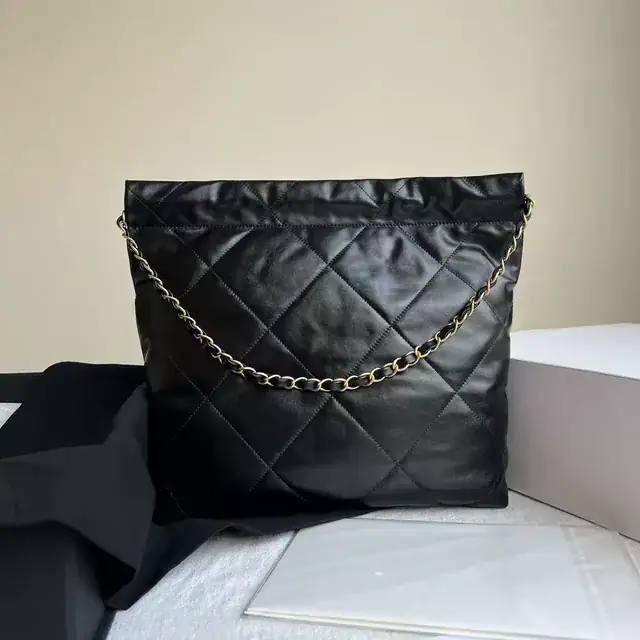
- Received from your storeShopify sent the order for a mapped product
- Paid from your balanceGoods, intake fee and tax
- Bought from the sellerOn its way to our warehouse
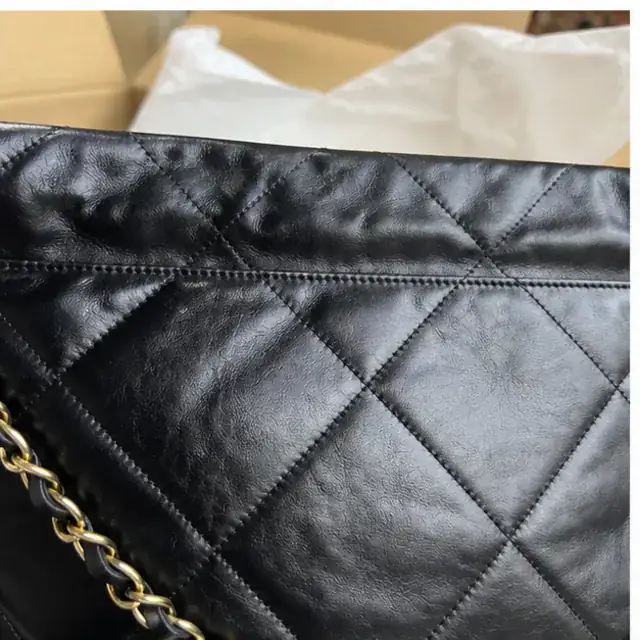
- Checked with QC photosWeighed, compared with the order, photographed
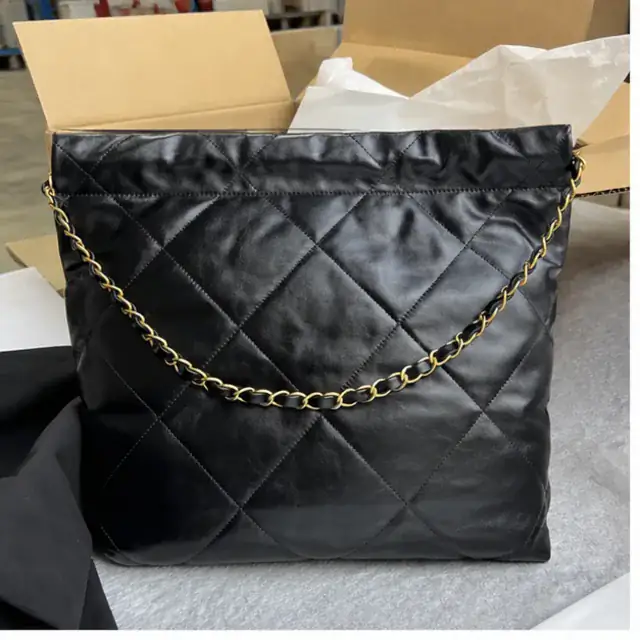
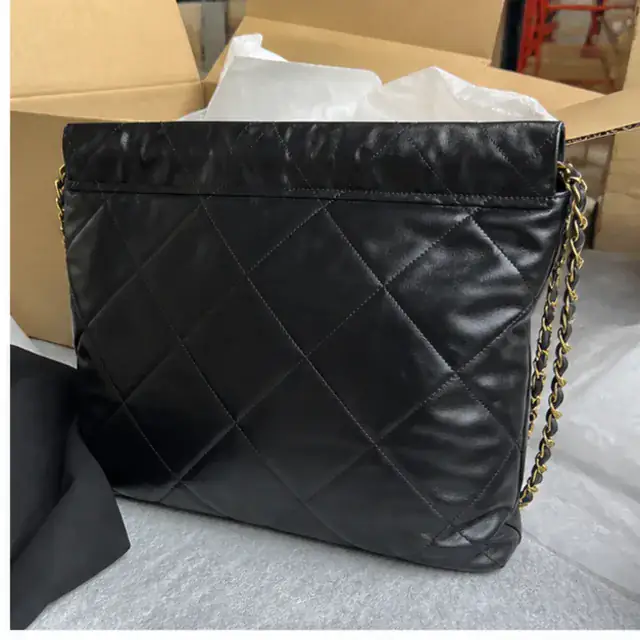
- Shipped in your boxShipping and handling paid from your balance
- Tracking back on your storeYour store emails your customer
What it costs
The goods at the seller's price, a CN¥12.00 intake fee per item group, shipping from our published rates, a CN¥50.00 handling fee per parcel, and a flat 14% tax on those lines. A worked example is in Fees.
Before you start selling
- Your balance covers a few days of orders.
- Each product you sell is mapped to a NinjaBuy listing and ships from the NinjaBuy location.
- Your handling and delivery times allow for buying, checking and the trip from China. Say how long shipping really takes.
- Your sources fit your marketplace's rules: eBay wants wholesale suppliers, Etsy your own designs. Each channel guide says what applies.
- Your returns policy is written for goods from China. See returns.
- Your packaging is set up. See Packaging and QC.